Xero integration
OAuth 2.0 connection to your Xero organisation. Invoices created in Nexpura flow to Xero as draft invoices; the access token refreshes automatically every refresh cycle so the connection stays live without re-authorisation. Setup, sync, and how the per-tenant organisation binding works.
Quick reference
- Connection happens from /settings/integrations — Xero lives with the other back-office integrations (it's not customer-facing the way Shopify or Google Calendar are).
- OAuth 2.0 flow with the Xero identity service. You click Connect Xero, authorise on Xero's consent screen, and Nexpura's callback exchanges the code for an access token + refresh token. The connection then binds to one Xero organisation (which Xero calls a “tenant” on their side — different meaning than Nexpura's tenant).
- Access tokens are short-lived (30 minutes); refresh tokens are long-lived (60 days, rolling). Nexpura refreshes the access token automatically when it's within five minutes of expiry, on every sync that calls Xero. Practically: the connection stays live as long as you sync at least once every 60 days.
- Sync writes draft invoices to Xero. The Nexpura invoice is the source of truth; Xero is the accounting ledger. Modifications and finalisation on the Xero side happen there.
- Manual sync from the panel; no scheduled sync by default. The intentional shape: invoices flow when you ship them through the Nexpura → Xero path, not on a clock.
- Connect / disconnect requires the integration manager permission. Disconnect revokes both tokens on the Xero side and clears them from the encrypted config.
Connecting Xero
1. Open settings → integrations
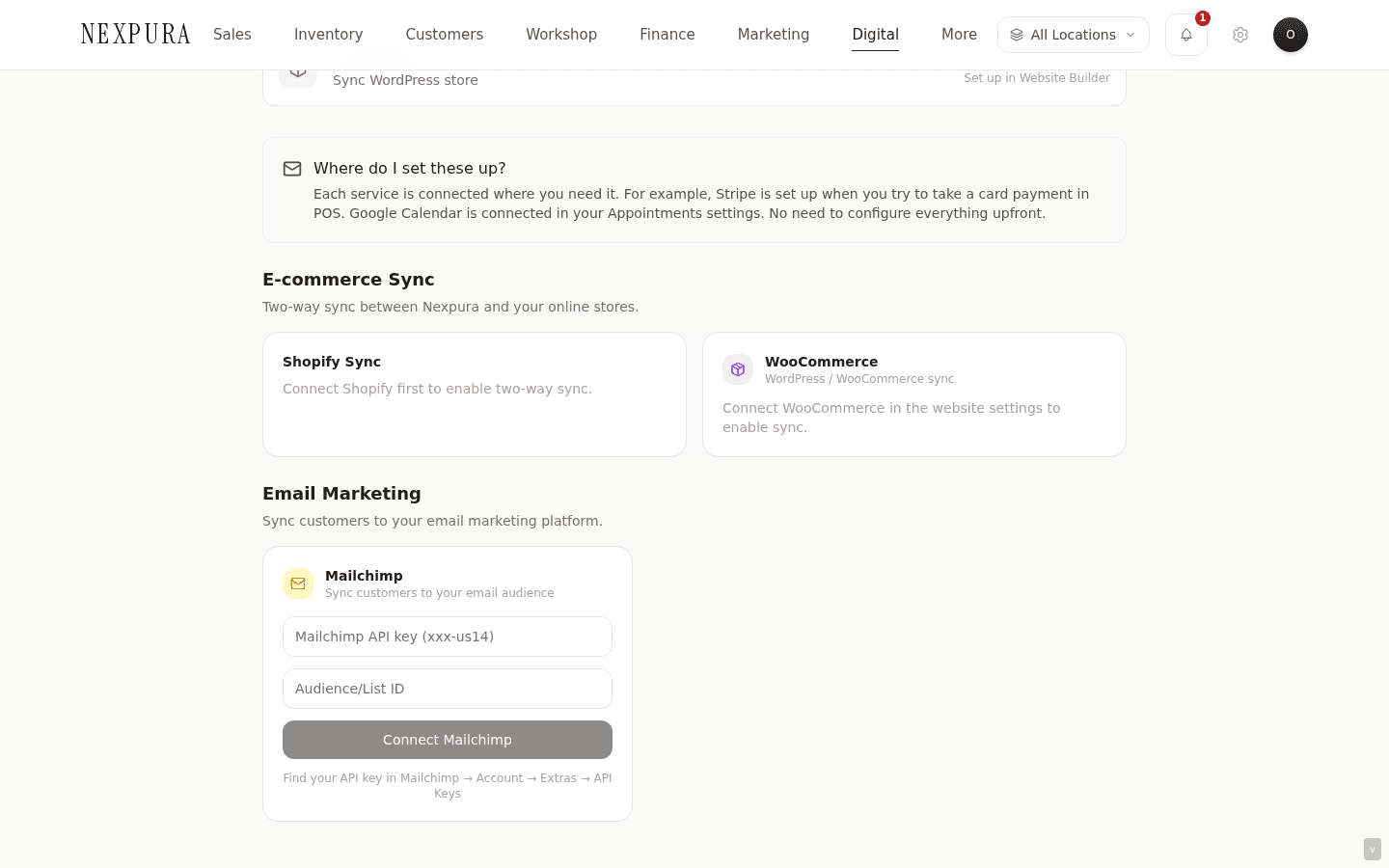
Go to /settings/integrations. The Xero card sits in the integrations list with a status badge — Disconnected initially — and a Connect Xero button.
2. Authorise on Xero
Click Connect Xero. You're redirected to Xero's OAuth consent screen. Sign in to your Xero account if you're not already; pick the organisation you want Nexpura connected to (Xero shows a list if you have access to multiple); approve the scopes Nexpura is requesting (the accounting scope for invoice read/write).
Click Allow access. Xero redirects back to Nexpura's callback at /api/integrations/xero/callback with the auth code. The callback verifies the signed state parameter and its matching cookie nonce (same session-binding shape as the other OAuth integrations), exchanges the code for both tokens, fetches the organisation name from https://api.xero.com/connections, and writes the integrations row.
3. Confirm on the settings page
You land back on /settings/integrations with ?xero=connected&org=<org-name> in the URL. The Xero card now shows the connected organisation name, a green status badge, and the Sync Now / Disconnect controls.
The card's organisation-name display is the load-bearing confirmation that the right organisation was bound — if you have multiple organisations in Xero, read the name back and confirm it's the right one before relying on the sync.
Pushing invoices to Xero
1. Click Sync Now
On /settings/integrations the connected Xero card shows a Sync Now button. Click it. The sync reads from /invoices and finds every Nexpura invoice that doesn't yet have a corresponding Xero invoice ID stored on the row.
For each one, the sync builds the Xero invoice shape (line items, customer reference, currency, due date), posts to Xero's POST /Invoices endpoint as a draft invoice, and records the returned Xero invoice ID back on the Nexpura row. The Xero invoice ID is what links the two ledgers — it lets future syncs skip already-pushed invoices and prevents accidental duplicates.
2. Token refresh runs invisibly
If the cached access token is within five minutes of expiry, the sync swaps it out using the refresh token before it makes the call to POST /Invoices. The new access token (and the rolled refresh token Xero returns) gets written back to the integration config; the operation continues as if nothing happened.
You'll only see token-related errors if the refresh token itself has expired (you haven't synced in over 60 days) or been revoked on the Xero side. In both cases, the integration status flips to error and the fix is to reconnect.
3. Open the invoice in Xero
The synced invoices land in Xero's Drafts tab. Open Xero, navigate to Business → Invoices → Draft — your Nexpura invoices are there, with the Nexpura invoice number in the reference field for cross-referencing.
Draft state is intentional. The Nexpura invoice is the customer-facing artefact; the Xero invoice is the accounting record. Reviewing the draft in Xero before approving it lets your bookkeeper verify the GL coding, currency handling, and account allocation before the invoice becomes part of the formal ledger. Approval, payment recording, reconciliation — all standard Xero workflows from there.
Common questions
Why do invoices land as drafts rather than approved?
Two reasons in the same design. The first is accounting hygiene — your bookkeeper or accountant should see the invoice before it becomes part of the formal ledger. GL account, tax code, currency treatment all benefit from a human eye on the way in. Pushing as draft makes that review the natural next step rather than an after-the-fact correction.
The second is failure-mode containment. If a sync run pushes thirty invoices and one of them was mistaken (wrong customer, wrong line items), cleanup on draft invoices is simple — delete the bad one in Xero. Cleanup on approved invoices is more involved (credit notes, ledger restatement). The draft buffer keeps Nexpura's sync from accidentally polluting the live ledger.
What happens to an invoice if I delete it on the Xero side?
The Nexpura row still carries the Xero invoice ID, so a subsequent sync skips it (the matcher sees the ID and assumes the Xero row exists). The practical result: a deleted Xero draft doesn't re-flow automatically; the Nexpura invoice remains in the “already synced” state.
Fix: edit the Nexpura invoice and clear the Xero invoice ID field (this is an admin / support action today — contact us if it's needed). The next sync will treat the invoice as un-synced and push a fresh draft to Xero.
Why doesn't Xero auto-sync on a schedule?
Two reasons. The first is volume — invoice creation isn't a high-cadence event for most stores (handfuls per day, not hundreds). A scheduled job fires regardless of whether there's work to do; for low-volume integrations, on-demand is cheaper and clearer.
The second is intent. Pushing to Xero is a deliberate accounting action — “send today's invoices to the bookkeeper” — not a passive data-flow. The manual sync button matches the mental model of the user (an owner or office manager who decides when to flush the queue to accounting); a scheduled job would obscure the cadence.
Can I connect Nexpura to multiple Xero organisations at once?
One Nexpura tenant binds to one Xero organisation — the integration row holds a single set of OAuth credentials and an organisation ID. If your business has multiple legal entities each with its own Xero org, you'd need either one Nexpura tenant per legal entity (the standard multi-entity approach) or to consolidate invoicing into a single Xero org and use Xero's tracking categories for the entity-level reporting.
Most jewelry retail businesses run as a single legal entity; the multi-org question shows up mostly for groups operating under multiple corporate structures. Contact us if your shape is more involved — there are usually patterns that work cleanly with the existing integration model.
Troubleshooting
OAuth consent screen showed multiple organisations and I picked the wrong one
Symptom: the integration connected, but the org name on the card is a different Xero organisation than the one you wanted. Cause:the OAuth flow bound to whichever org you selected on the Xero consent screen — there's no way to change the binding without going through the flow again. Fix: click Disconnect on the Xero card, then start the connect flow again. The disconnect revokes the previous token; the new connect lets you pick the correct org on the consent screen.
Sync returns “Token expired”
Symptom: Sync Now returns a token-expired error and the status flips to error. Cause:the refresh token has expired (no sync in over 60 days) or was revoked on Xero's side (someone removed Nexpura's access in Xero's connected-apps screen). Fix: disconnect and reconnect. The fresh OAuth flow issues new tokens and the integration resumes. If the disconnect itself fails (because the refresh token is too gone to revoke), the disconnect still succeeds locally and the next connect starts clean.
An invoice synced to Xero shows the wrong customer
Symptom: the draft invoice in Xero is attributed to a different contact than the Nexpura customer. Cause:the Xero contact matcher uses customer name as the lookup key — if your Xero contacts list has a different-customer entry with the exact same name, Xero will use it. (This is Xero's default contact-creation behaviour, not Nexpura-side matching.) Fix:open the draft invoice in Xero and reassign the contact to the correct one (or create a new contact if needed). The Nexpura side doesn't need to change; future invoices for the same customer can be sent to the corrected Xero contact by editing the customer record in Nexpura with the Xero contact ID field (advanced; contact us for setup).
Sync says “Already synced” for an invoice I'm sure is missing in Xero
Symptom:the sync skips a specific invoice as “already synced”, but the invoice doesn't appear in Xero's draft list. Cause: the Nexpura row carries a Xero invoice ID from a previous sync; the underlying Xero draft was deleted on the Xero side. Fix:see the “deleted on Xero side” question above — clearing the stored Xero invoice ID on the Nexpura row lets the next sync push a fresh draft. This is an admin / support action today; contact us with the Nexpura invoice number and we can clear the field.